Free
Free
For small catalogs. CSV and Excel import and export, automatic column mapping and an error report for failed rows.
Install freeShopify app
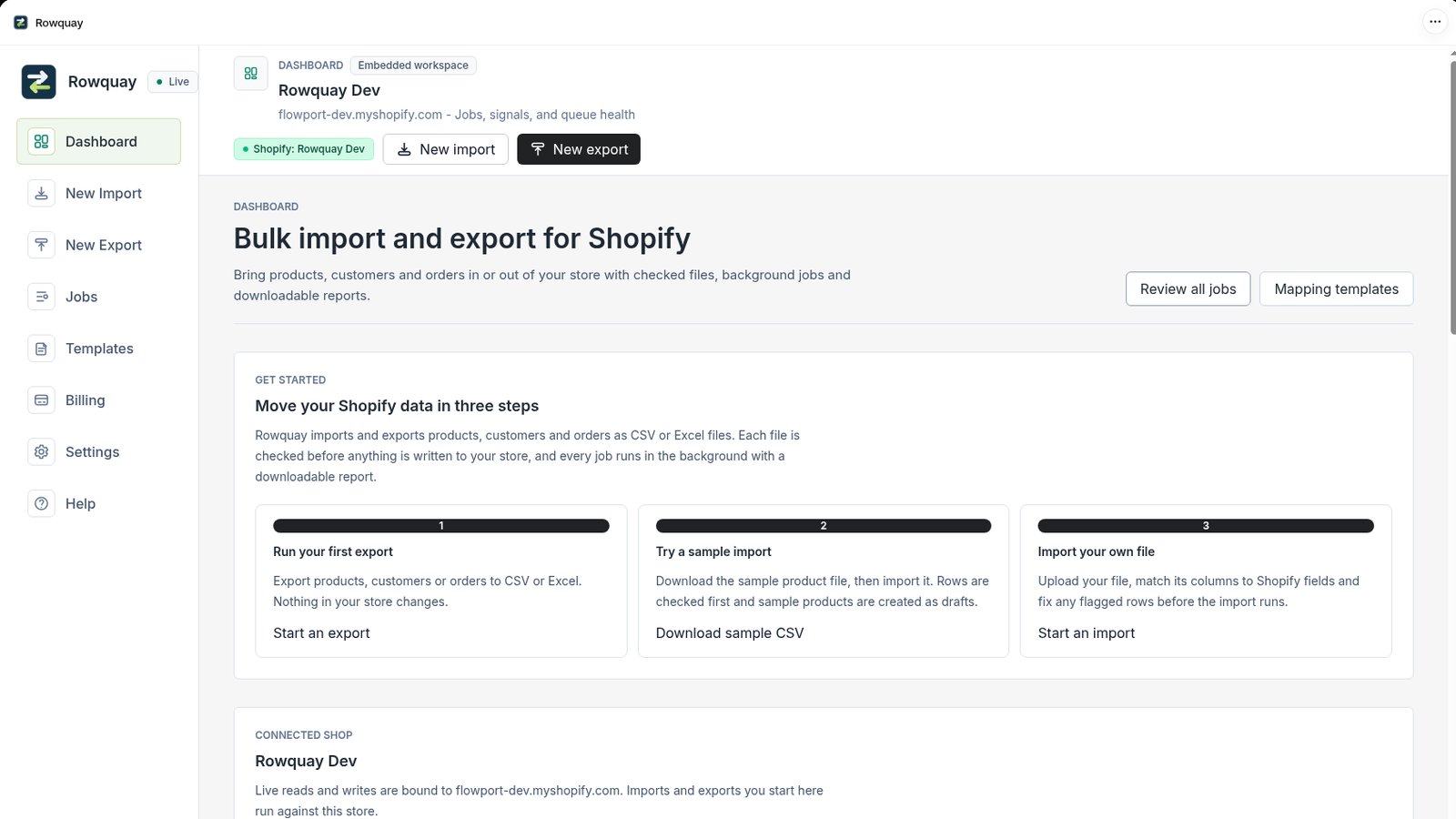
Bring products, customers and orders in or out of your store with checked files, background jobs and downloadable reports. Fix bad rows before anything is saved.
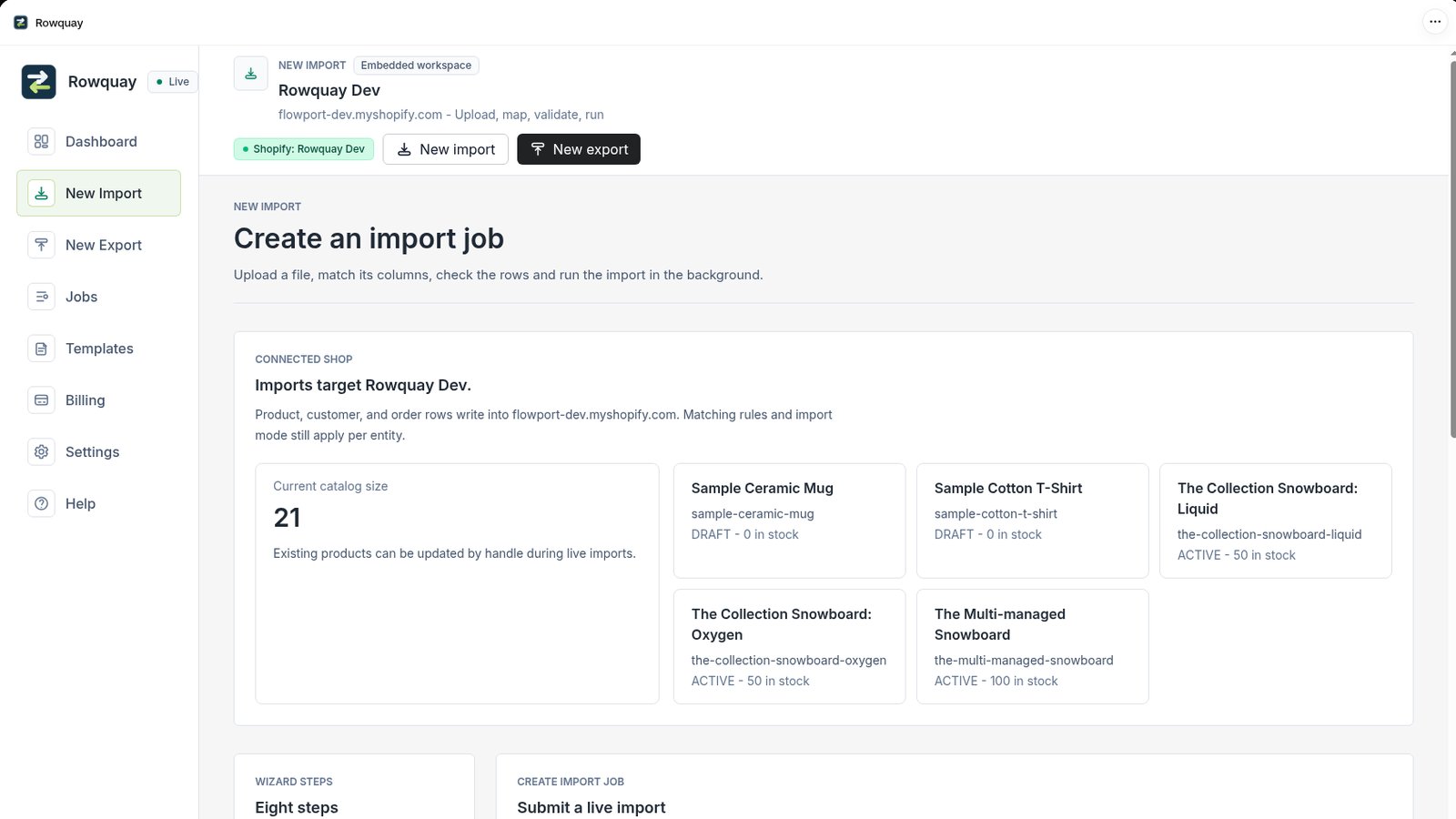
Import and export products (including variants), customers and orders. Imports accept CSV, XLS, XLSX and JSON; exports are CSV or Excel.
Every file is validated first, so problems show row by row before a single change reaches your store.
Each job keeps an error report. Download it, fix the flagged rows and run the job again.
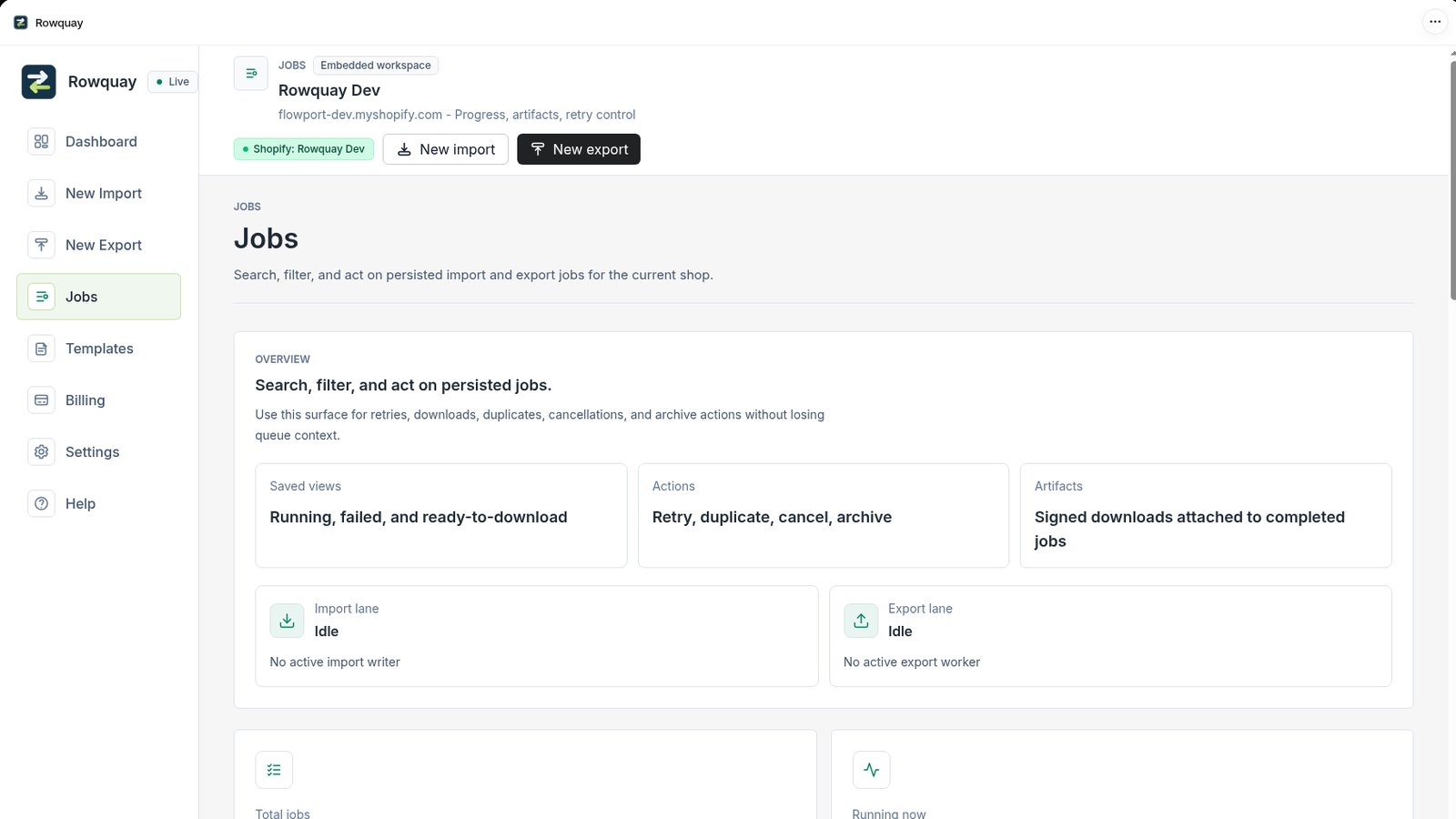
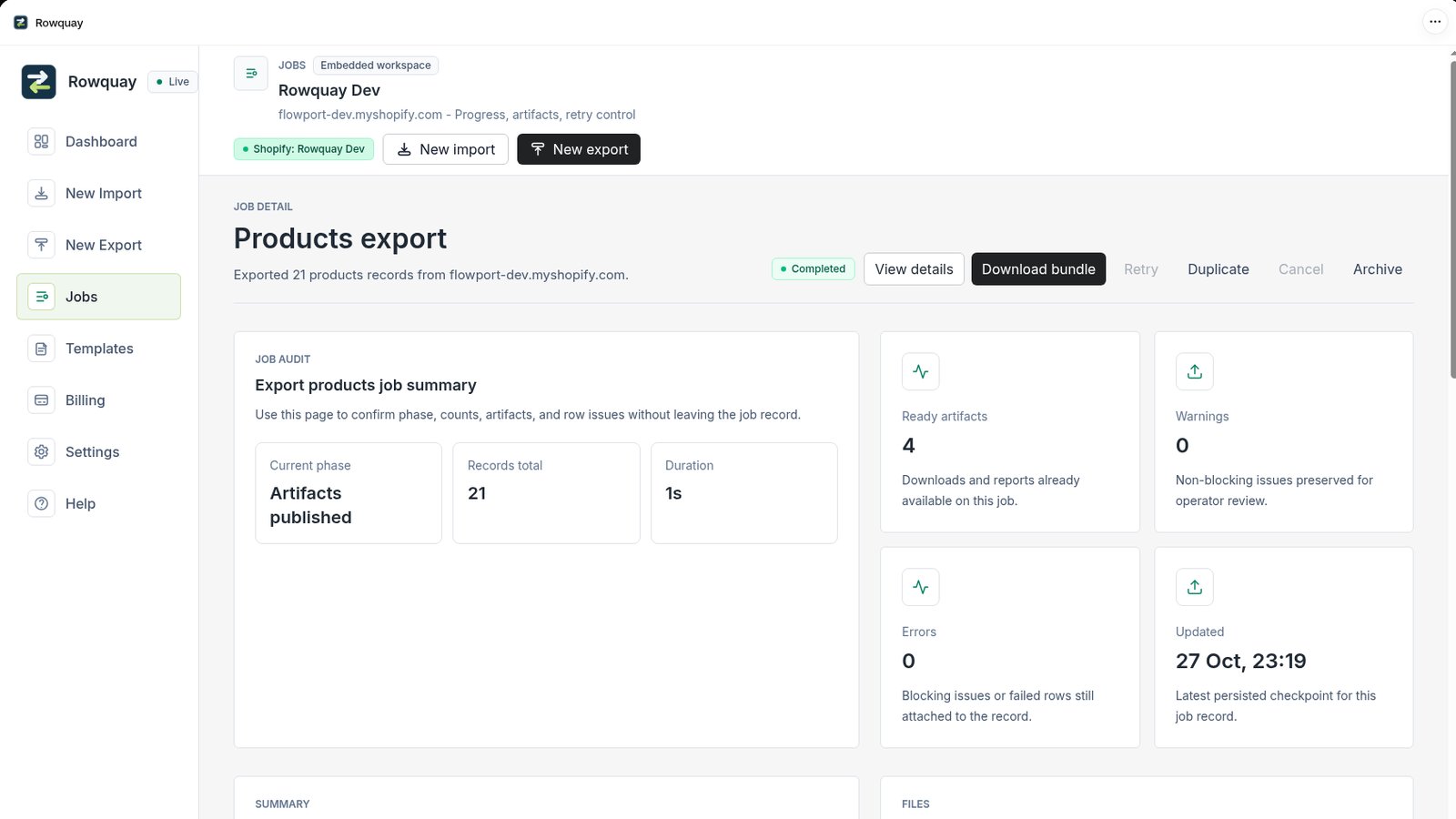
Large files run in the background with progress, and finished jobs have a downloadable report. Save mapping templates and export profiles for repeat jobs.
Screens
Real screens from the Rowquay app inside Shopify admin.
Plans
Billed in USD every 30 days through Shopify.
Free
For small catalogs. CSV and Excel import and export, automatic column mapping and an error report for failed rows.
Install free$9.99/month
Everything in Free, built for large, ongoing catalog work, with priority support. 7-day free trial.
Start 7-day trialYes. Rowquay has a Free plan for small catalogs with CSV and Excel import and export, automatic column mapping and an error report for failed rows.
Pro is $9.99 a month with a 7-day free trial, billed in USD every 30 days through your Shopify bill. It includes everything in Free and is built for large, ongoing catalog work, with priority support.
Products (including variants), customers and orders. Imports accept CSV, Excel (XLS, XLSX) and JSON files; exports are CSV or Excel.
Rowquay checks every file before anything is written to your store. Problems are listed row by row, and each job keeps an error report you can download, fix and re-run.
No. Jobs run in the background with progress, and each finished job has a downloadable report.