Prepare the spreadsheet
Use CSV or XLSX for supported Adobe Commerce entities, with import behavior filtered to the work the extension supports.
BulkPort Pro gives store teams and agencies a safer way to move catalog, customer, order, and pricing data through CSV/XLSX jobs that can be queued, processed, checked, and retried.
Workflow
BulkPort Pro is built for the work that becomes expensive when it fails: store migrations, catalog corrections, customer data updates, order movement, and repeat agency rollout tasks.
Use CSV or XLSX for supported Adobe Commerce entities, with import behavior filtered to the work the extension supports.
Chunked uploads and worker processing move the job out of the fragile single-request flow.
Track status, download results, clean up old files, and use reports to fix the rows that need attention.
Why buyers care
Potential customers do not just need another importer. They need a workflow that makes big spreadsheet jobs less risky for the people responsible for keeping the store running.
Large files are handled through chunked uploads and queued processing.
Downloadable outputs and error reports make failed rows easier to isolate.
Saved profiles, job history, and managed install support help implementation teams standardize client rollout.
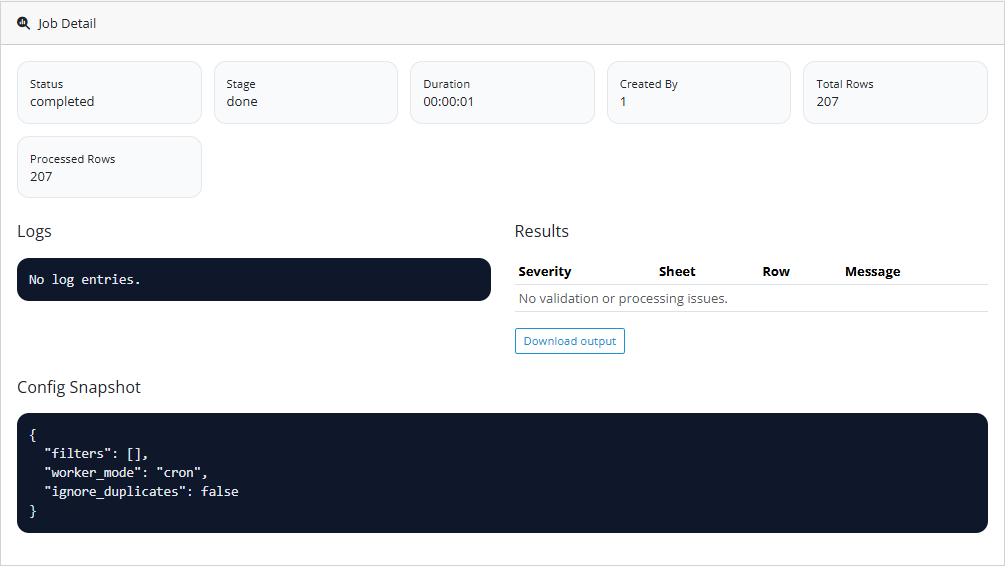
Job status and reports give teams something concrete to inspect when a data job needs follow-up.
Supported work
Start with the repeat bulk workflows that create the most friction for merchants and agencies.
Product proof
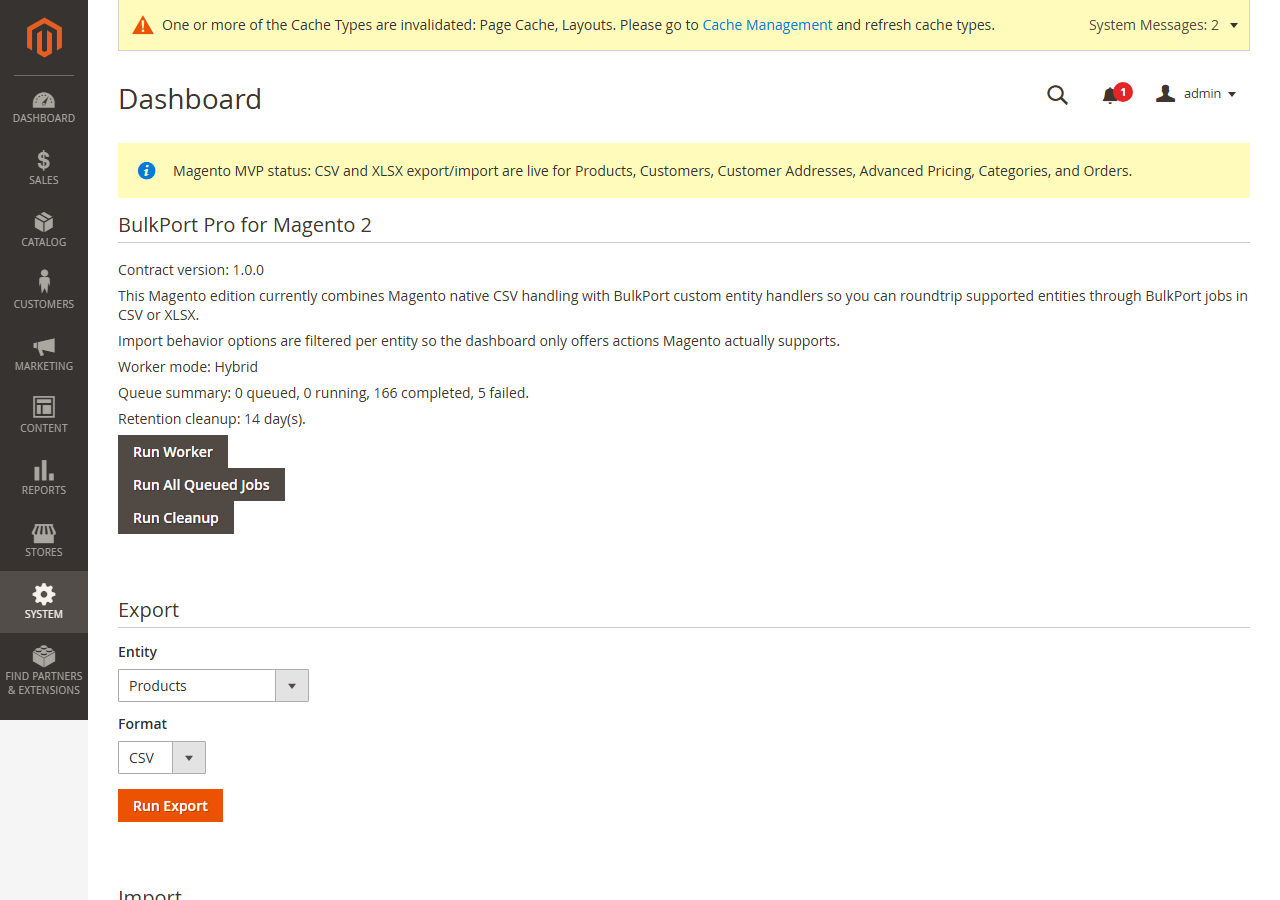
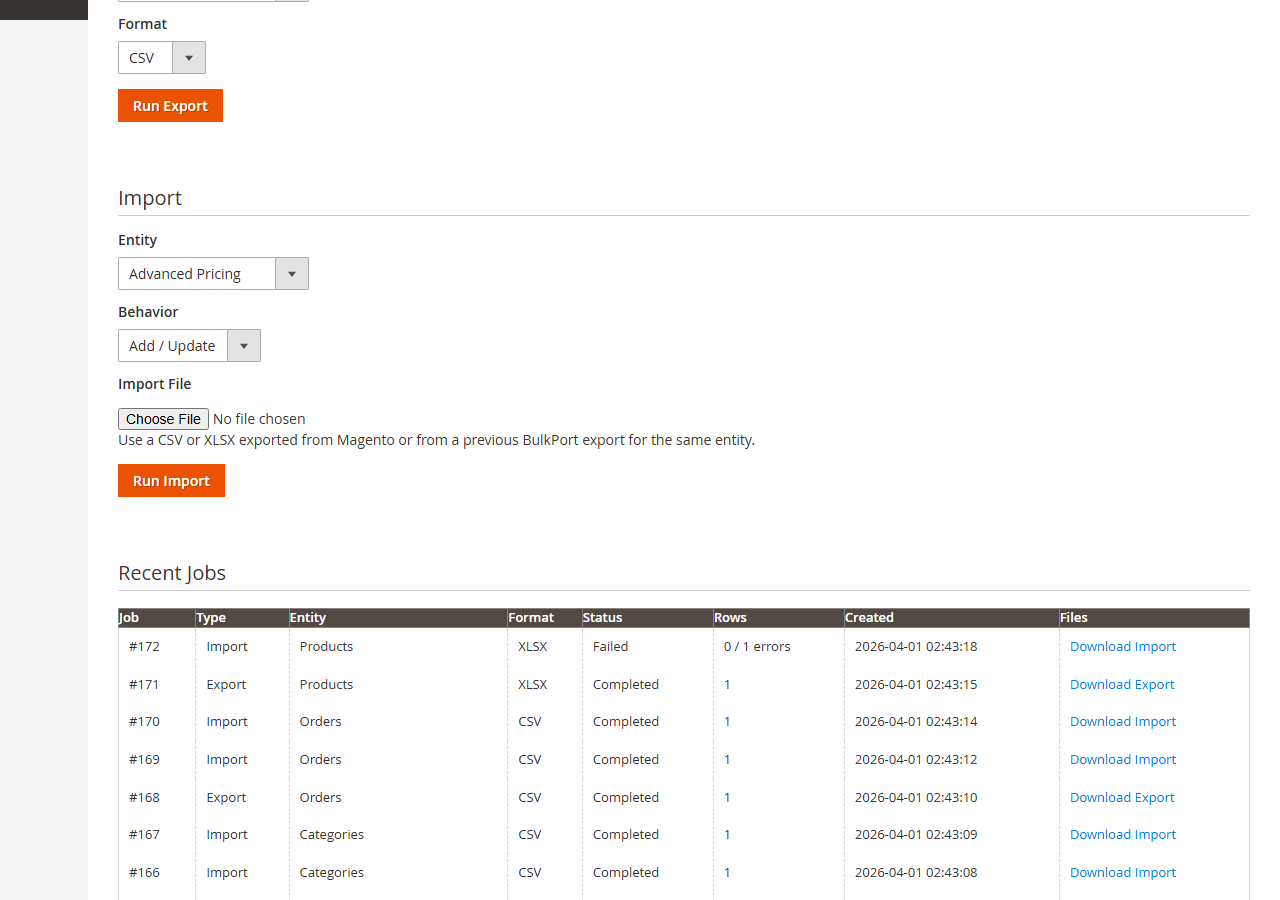
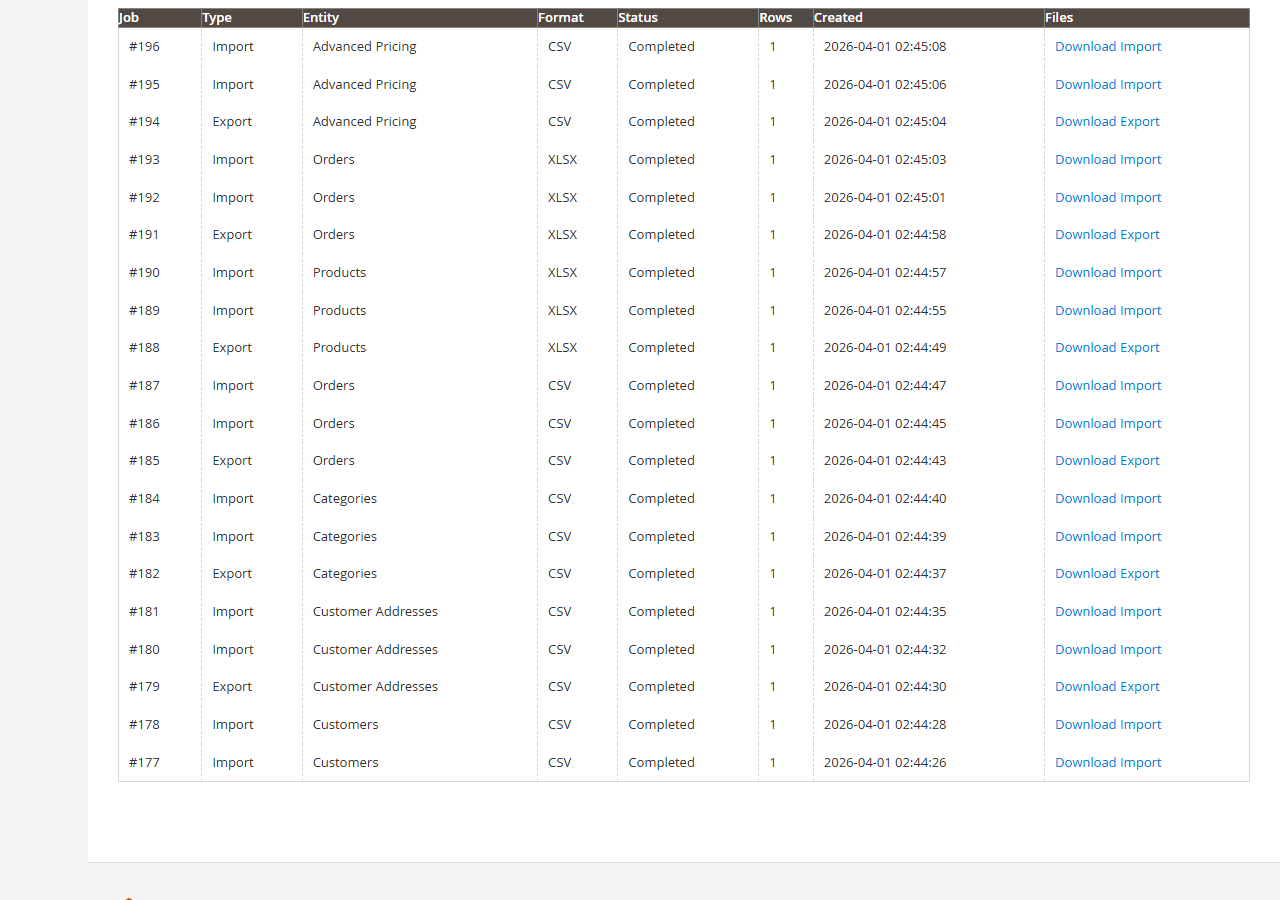
These are real product screens from the extension. They give prospects something concrete to evaluate: dashboard status, import/export controls, recent jobs, and job outputs.
Launch pricing
A practical license price, an early-customer offer, and optional managed setup reduce the friction for teams that want the first workflow running correctly.
$199
One-store license with 12 months of updates and support.
Buy on Adobe Marketplace$149
Intro offer for first installs, first reviews, or an agency pilot.
See pricing notes$299+
Installation, configuration, worker path setup, and first smoke test.
Request install helpBuyer questions
Yes. The workflow is built around chunked uploads and worker processing rather than depending on one long browser request.
No. Agencies and implementers are a strong fit because BulkPort Pro gives them a repeatable way to support migrations, catalog maintenance, and first-customer rollout.
The workflow keeps job status visible and provides downloadable outputs or reports so teams can isolate what needs fixing.
Yes. The OpenCart sales page is available separately for stores that are not running Adobe Commerce.
Buy the extension through Adobe Marketplace, or request managed install help if you want the first workflow configured and smoke tested.